


Give Every Client Their Own Coaching Dashboard
LodoCoach's client portal gives every client a secure, personal space to view session recaps, track goals and stay engaged, without a single extra email from you.
Self-Service Client Dashboard
Clients log into their own secure portal to view session summaries, goals and action items any time, from any device. No app download required.
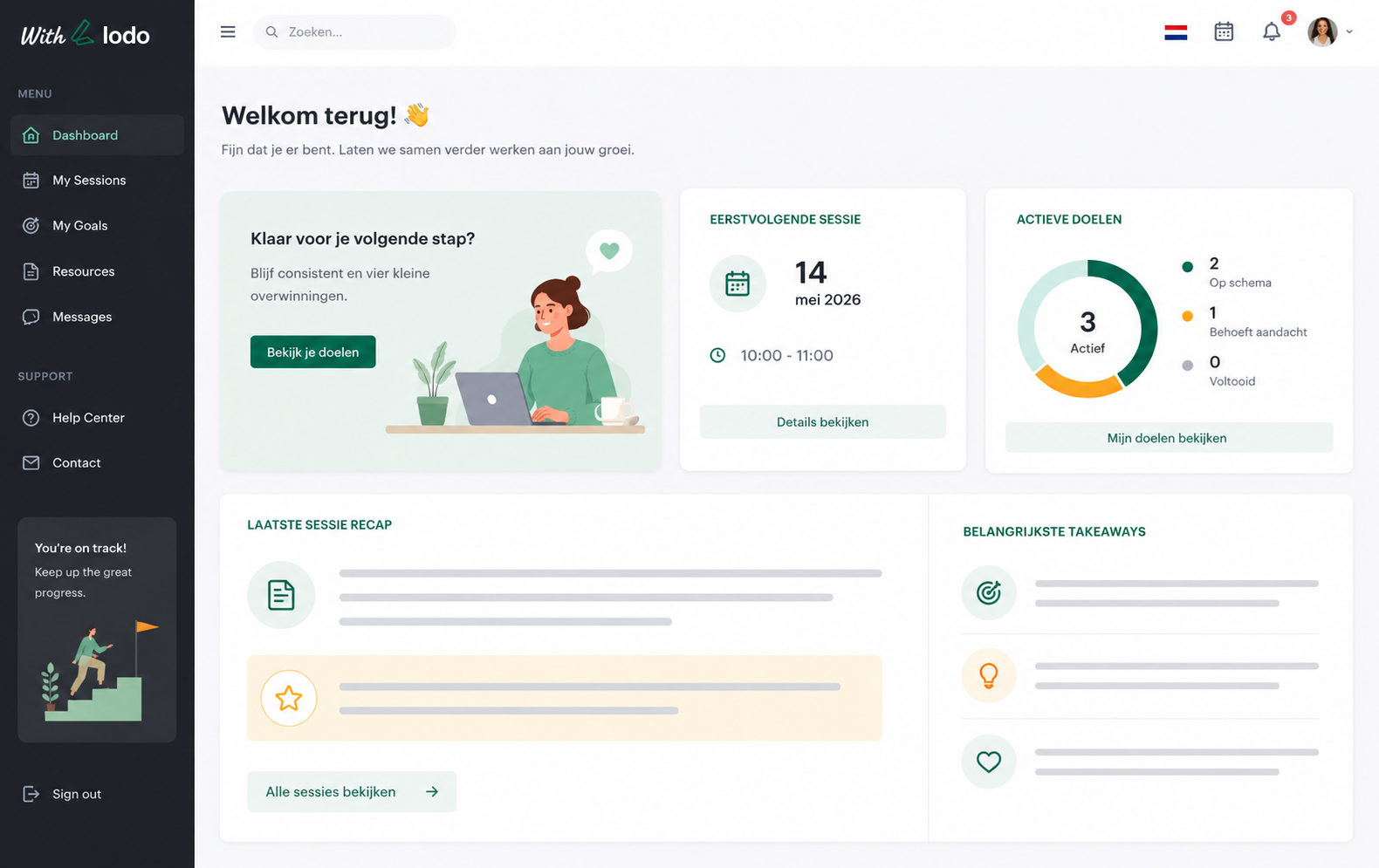
Session Recaps, Instantly Shared
Every session summary and action item is visible in the client portal the moment you share it. No more emailing PDFs or typing recaps manually.
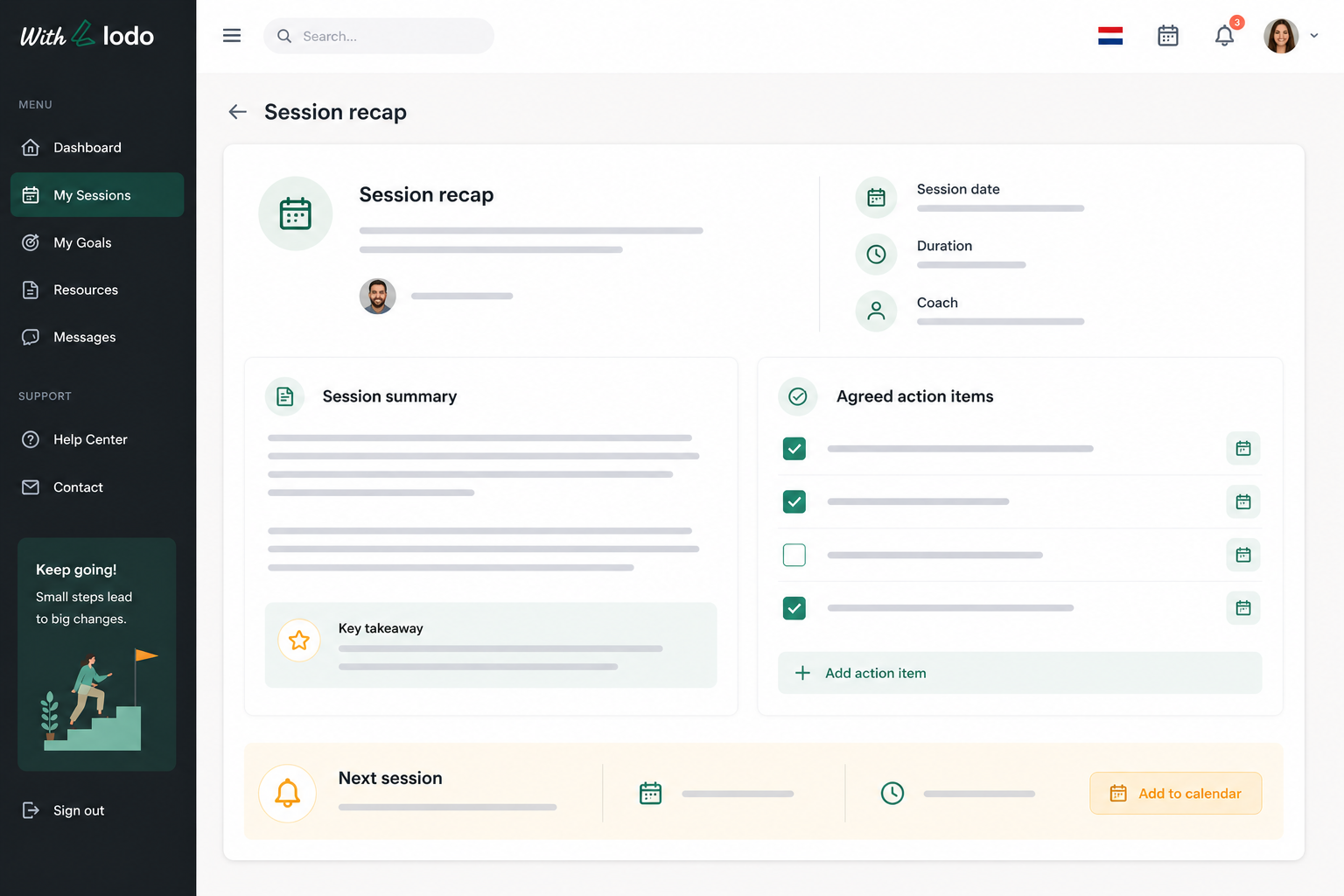
Goal & Progress Visibility
Clients see their active goals, upcoming action items and progress over time — staying motivated and accountable between every session.
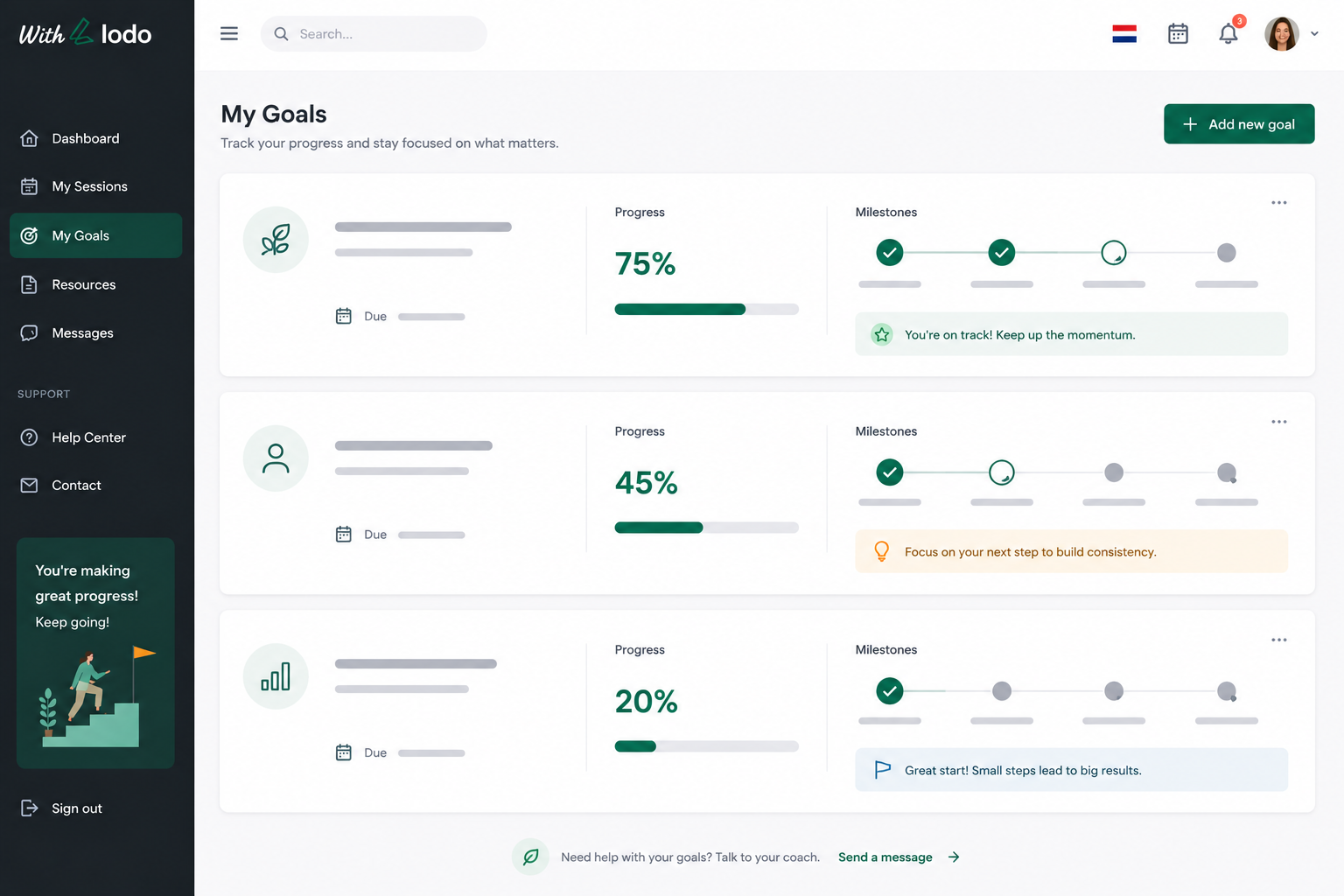
Digital Intake & Onboarding
Send a branded intake form before the first session. Clients complete it from the portal — you get structured data without a single phone call.
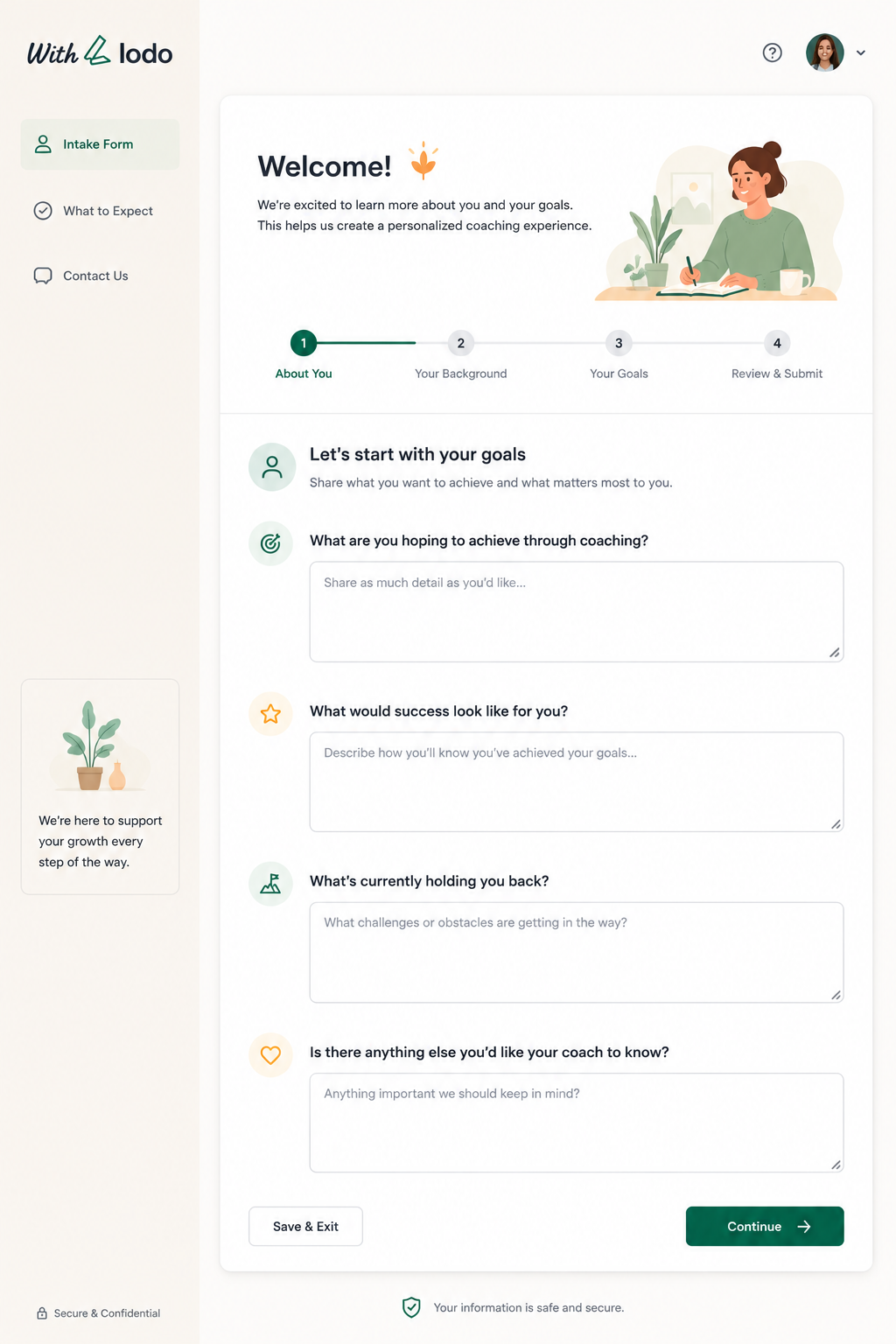
Everything the Client Portal Includes
Frequently Asked Questions
-
Is the client portal included in all plans?
The client portal is available on the Teams and Business plans. Solo plan users can upgrade at any time to unlock the portal for their clients.
-
Can I control what each client sees?
Yes. You choose exactly what is shared with each client — session summaries, goals, action items and reports can each be toggled on or off per client.
-
Do clients need to download an app?
No. The client portal is fully web-based and works in any modern browser on desktop, tablet or mobile. Nothing to install.
-
Is the client portal GDPR compliant?
Absolutely. The portal uses the same EU-based, encrypted infrastructure as the rest of LodoCoach. We sign a Data Processing Agreement with every customer.
-
Can clients book sessions through the portal?
Yes, if you have enabled scheduling in LodoCoach, clients can see your availability and book their next session directly from the portal.