


Manage Your Coaching Team, Effortlessly
LodoCoach gives team leaders and practice managers a clear overview of their entire coaching operation, coaches, clients, sessions and performance in one place.
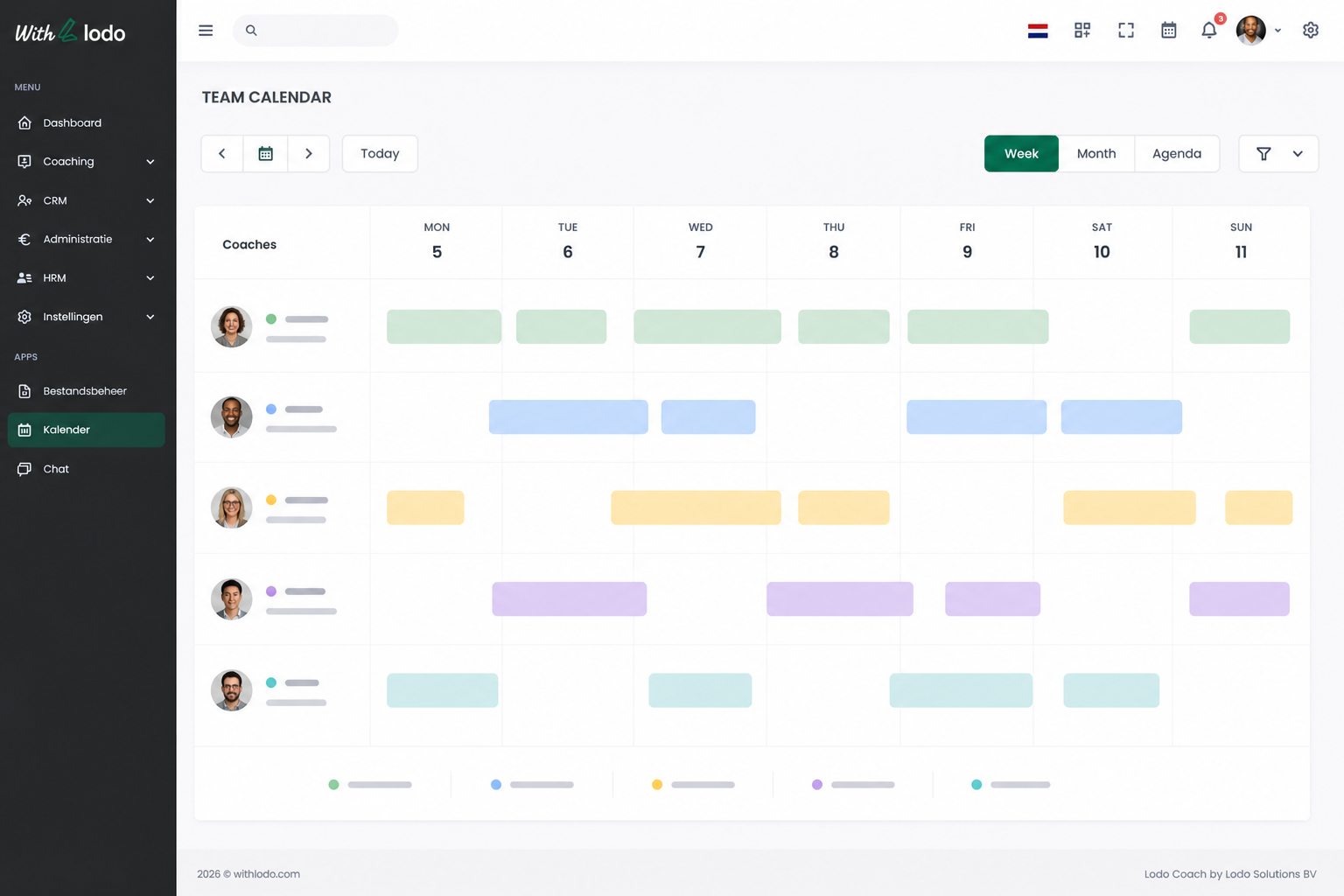
Coach & Caseload Overview
See all active coaches, their current client loads and session volumes at a glance. Spot imbalances and adjust assignments instantly.
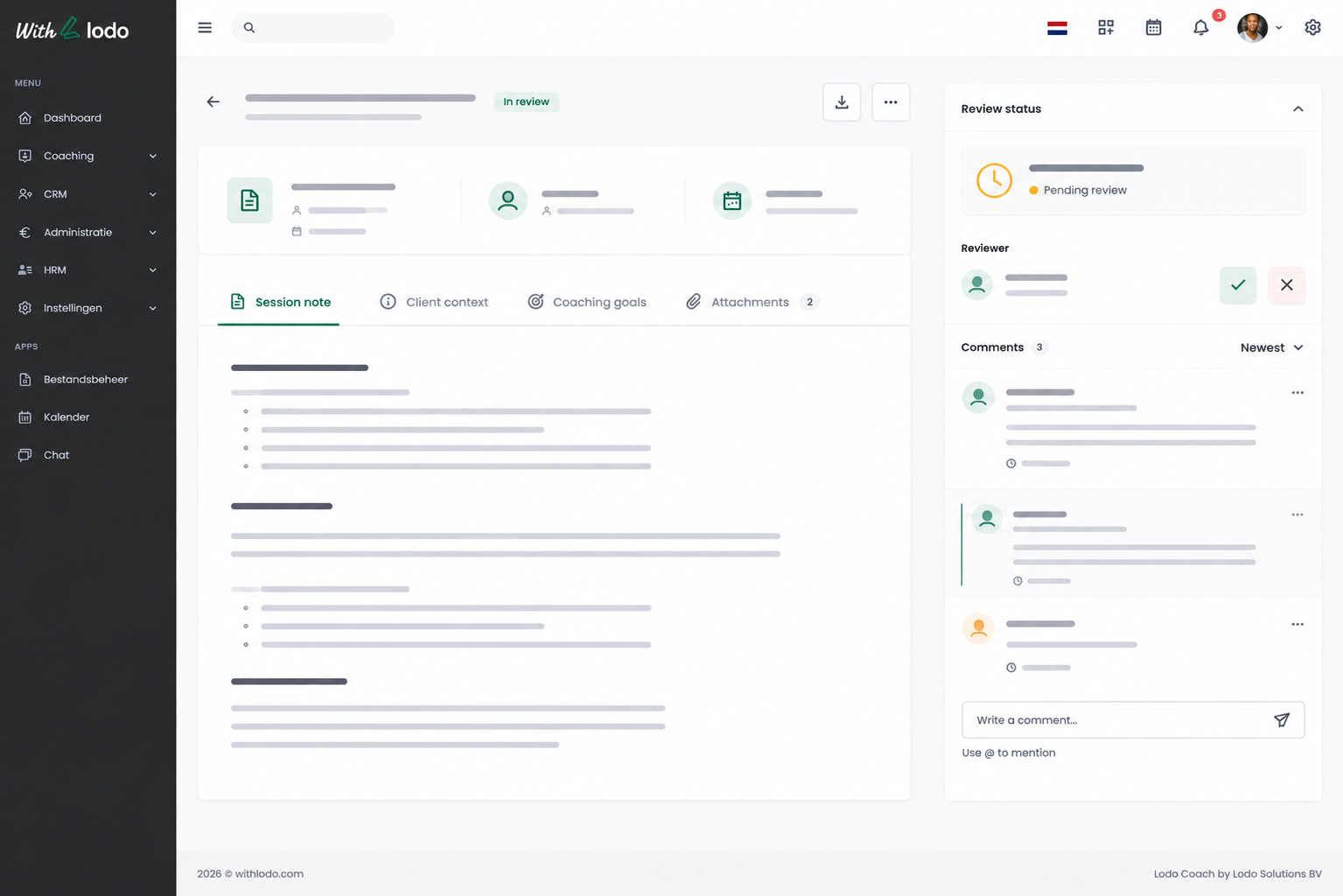
Shared Client Profiles
Coaches can share client files for collaboration, supervision or handover, without losing confidentiality controls.
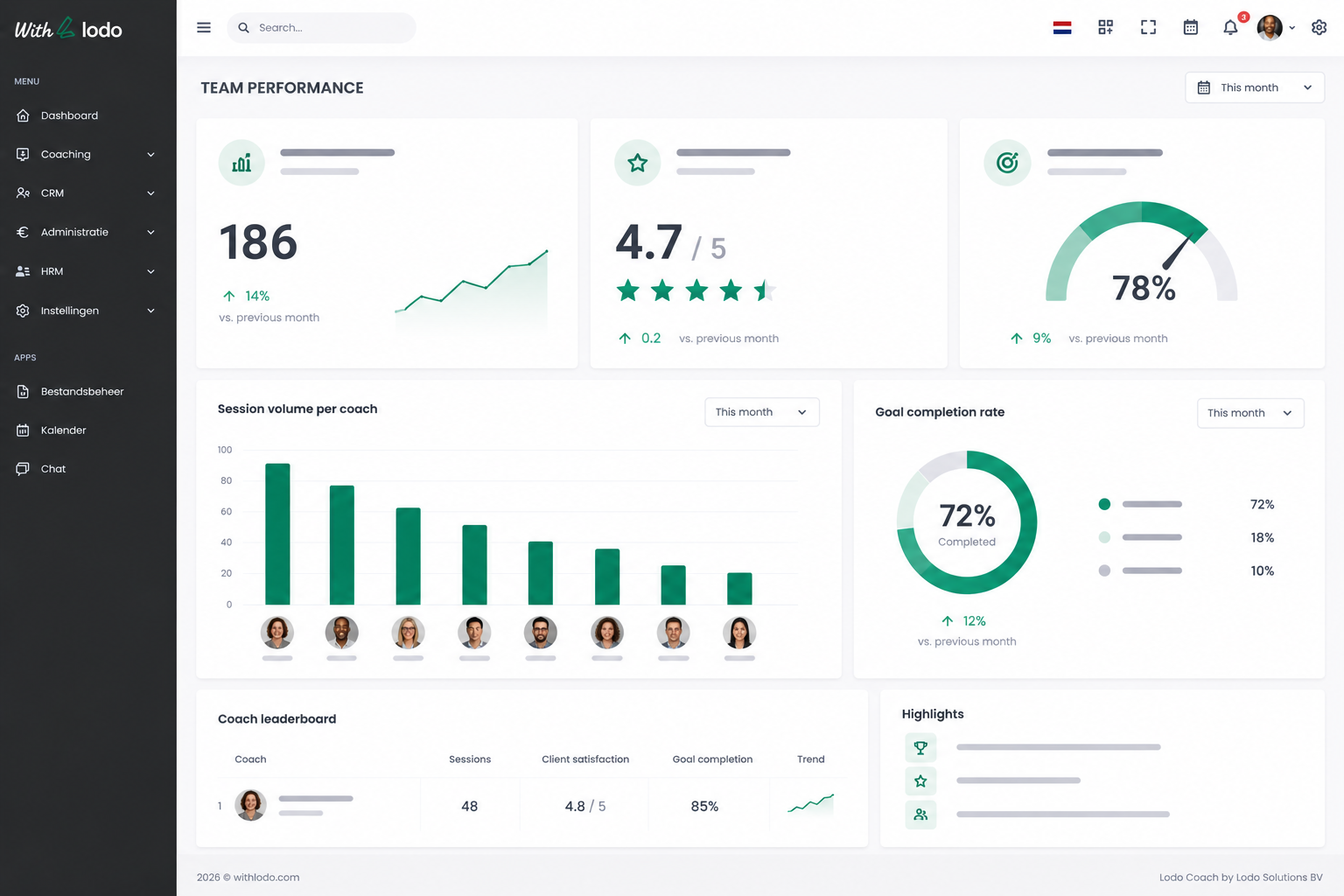
Team Performance Reporting
Track session volume, goal completion rates and client satisfaction across your entire team. Generate team-level reports with one click.
Role-Based Access Control
Define who sees what. Coaches see their own clients; supervisors see team data; admins manage billing and settings, all separately.
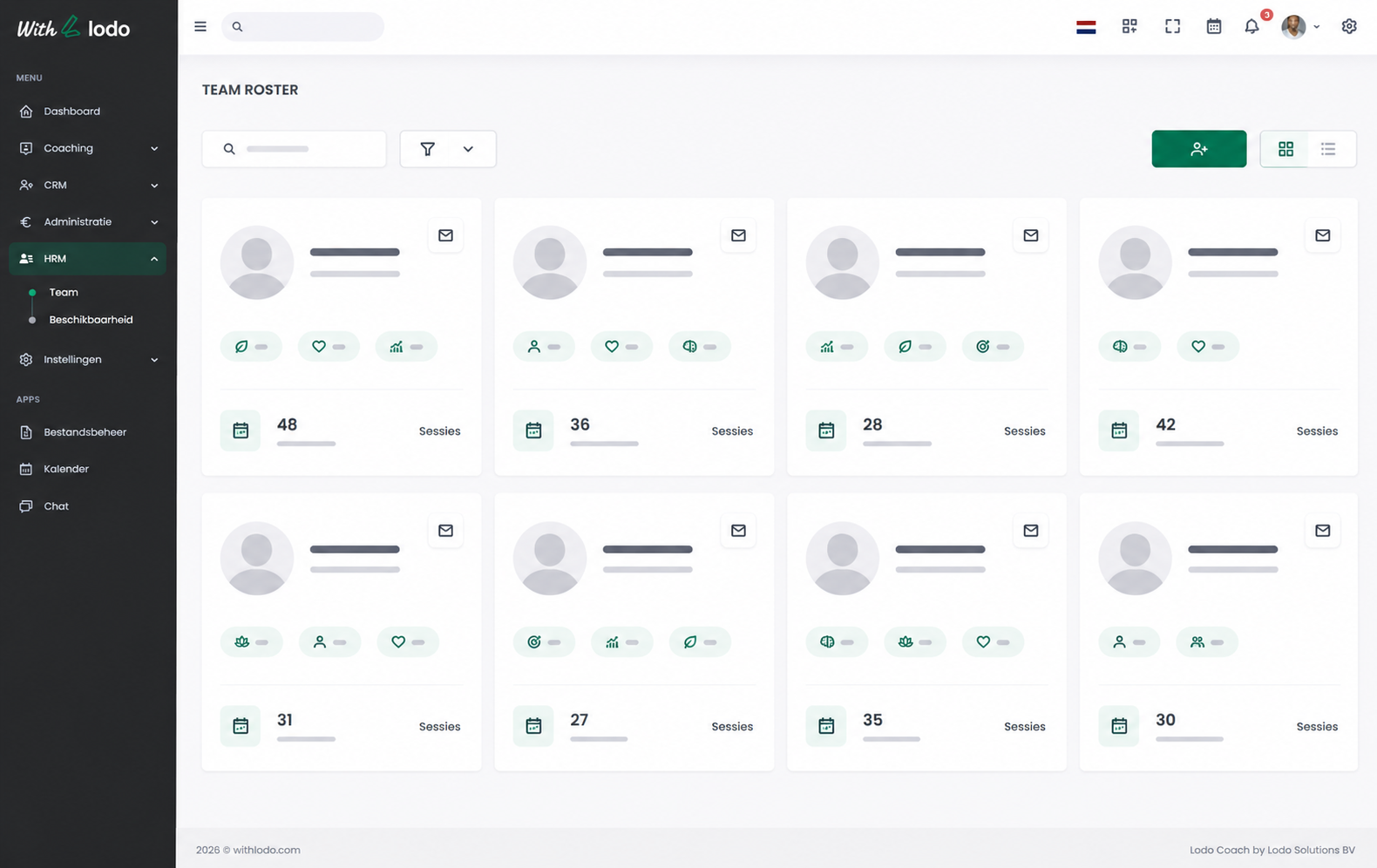
Everything a Coaching Team Needs to Scale
Frequently Asked Questions
-
How many coaches can I add to my team?
The Teams plan supports up to 3 coaches. The Business plan supports up to 5 coaches. You can add extra seats for €19 per seat per month, billing adjusts automatically.
-
Can coaches see each other’s clients?
No, by default each coach only sees their own clients. Shared access must be explicitly granted by the account owner or a supervisor.
-
Is there a supervision feature?
Yes. Supervisors can be assigned access to coach notes and session records. Coaches can flag sessions for supervision review directly within LodoCoach.
-
Can I set different permission levels for different roles?
Yes. LodoCoach supports four role levels: Coach, Supervisor, Manager and Admin. Each has its own permission set, which can be further customised by the account admin.
-
What happens if a coach leaves the team?
Their client data and session history remain in LodoCoach under the account. Clients can be reassigned to another coach in a few clicks, nothing is lost.