


Run Every Session With Confidence
LodoCoach keeps all your session notes, goals and follow-ups in one place, so you can focus on coaching, not admin.
Flexible, Structured Session Notes
Use LodoCoach’s built-in coaching template or write freely. Add topics, observations and homework in any format. LodoCoach structures it automatically.
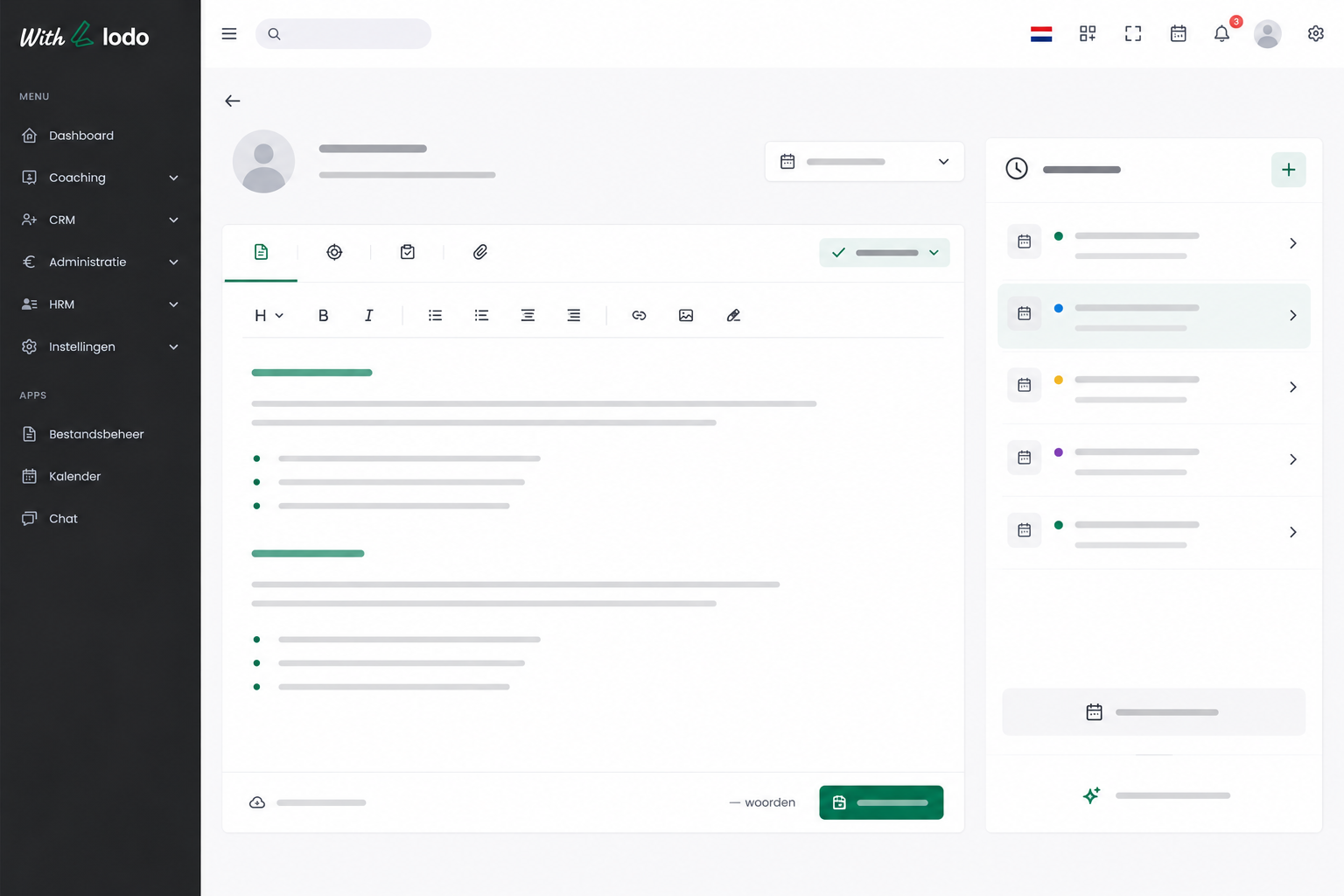
Complete Client Timeline
Every session, note, goal and action item is stored in a single secure client timeline. Pick up exactly where you left off, every time.
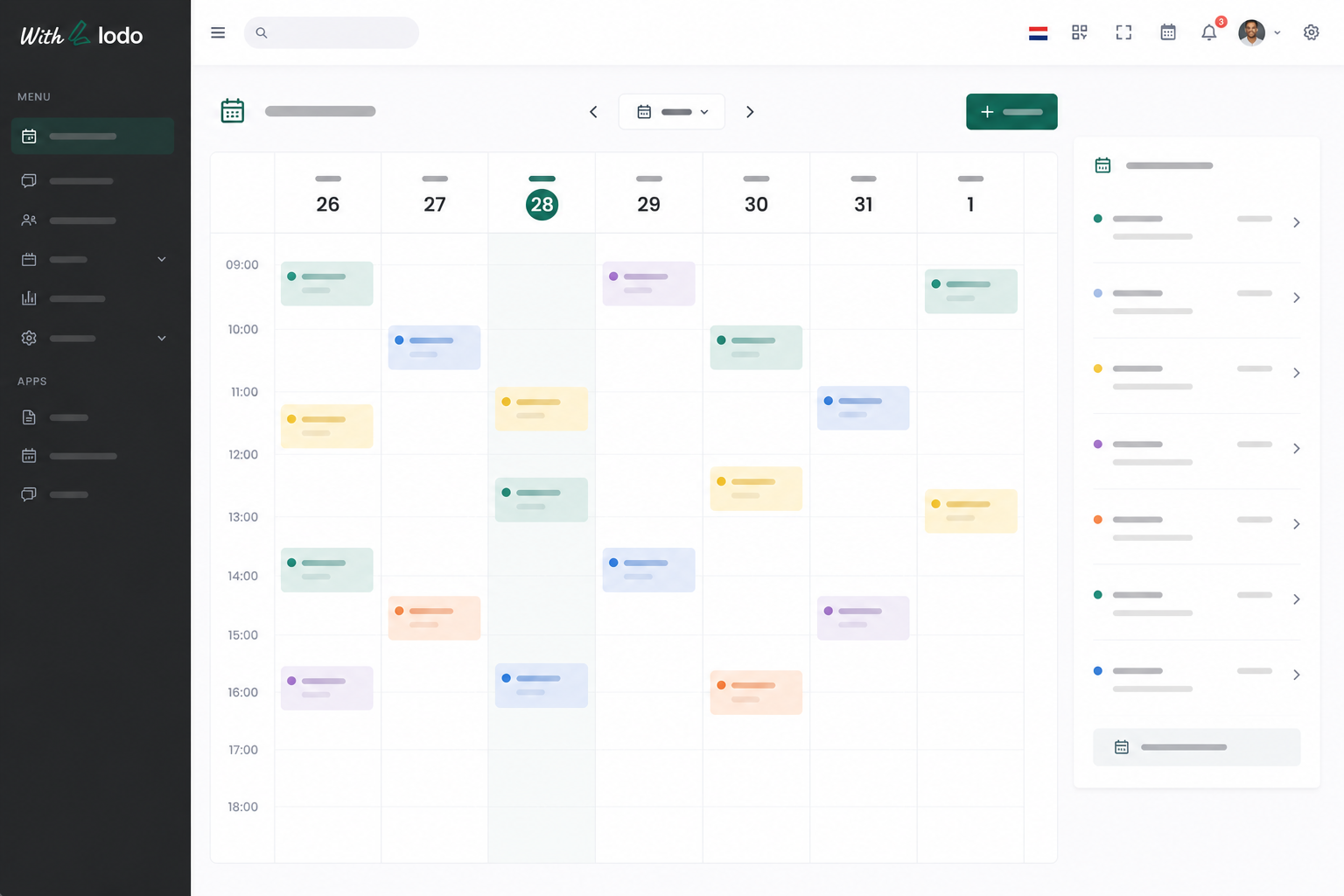
Automated Session Scheduling
Give clients a personal booking link and let them schedule their own sessions. Automated reminders cut no-shows before they happen.
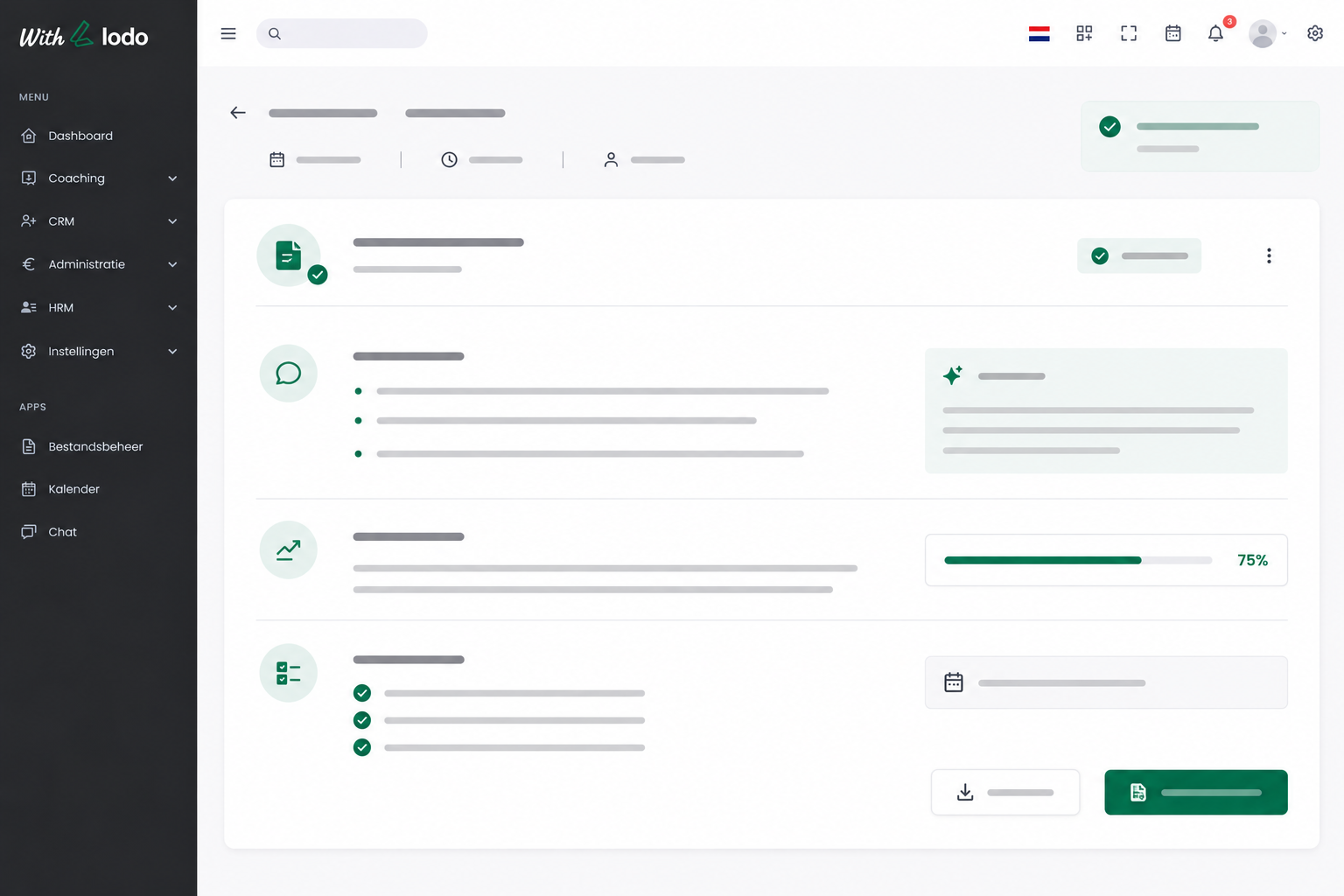
Session Prep in Seconds
Review open goals, previous notes and homework before each session. Walk in fully prepared, without spending an hour reviewing files.
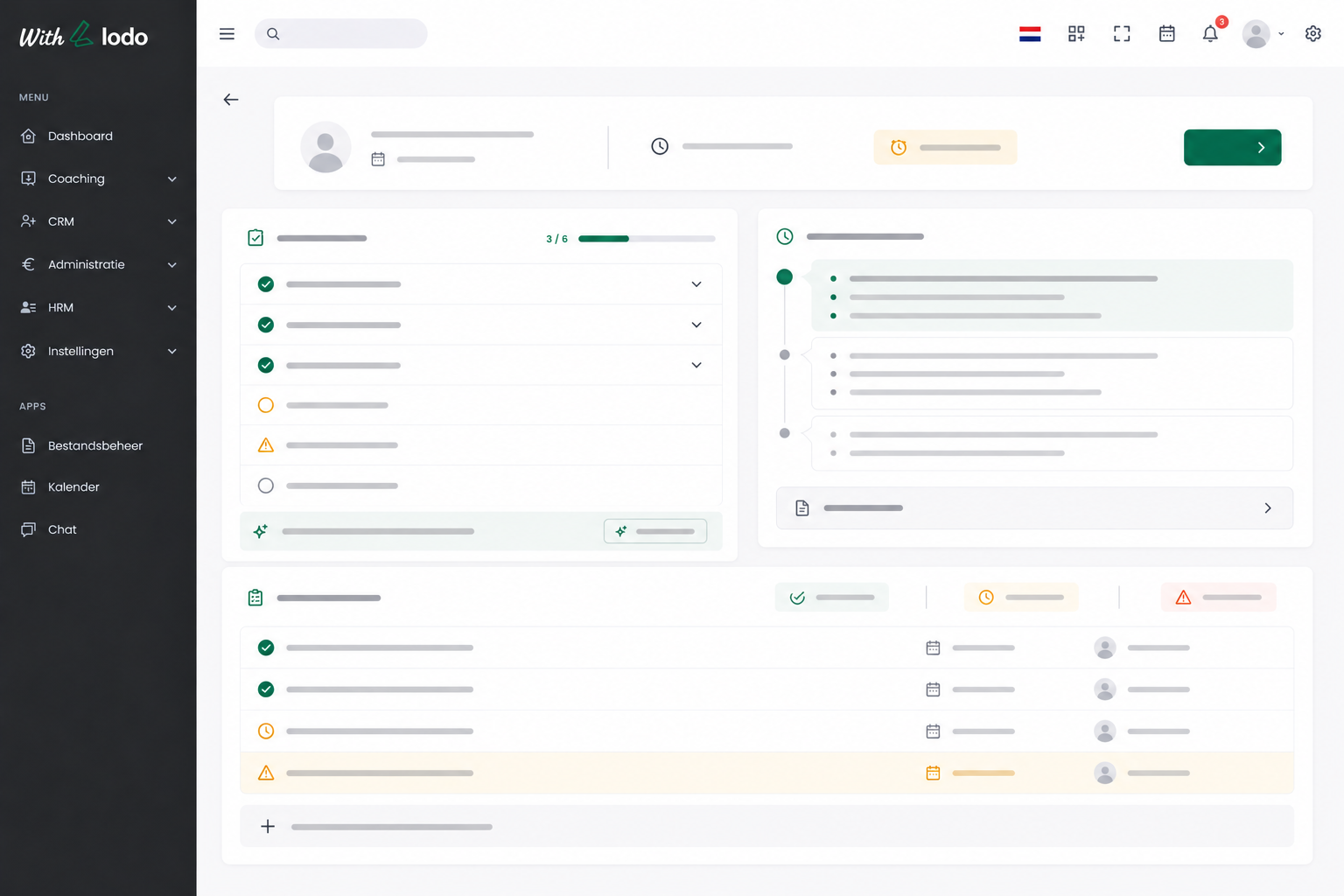
Everything You Need to Run Great Sessions
Frequently Asked Questions
-
What session note formats does LodoCoach support?
LodoCoach supports both free-form notes and a structured coaching template. You can choose per session or set a default. Notes are automatically formatted and stored in the client’s timeline.
-
Can clients see their session notes?
Yes, if you enable the Client Portal, clients can view their session summaries, goals and action items from their own secure dashboard. You control what is shared and when.
-
How does session scheduling work?
You set your availability and LodoCoach generates a personal booking link for each client. Clients pick a slot, get a confirmation, and receive automatic reminders before the session.
-
Does LodoCoach work for both in-person and online sessions?
Absolutely. LodoCoach is format-agnostic. It works for in-person, video, phone and async coaching. You can add a video call link to session invitations and attach any relevant files.
-
Is my session data stored securely?
Yes. All data is encrypted at rest and in transit, stored on EU servers, and fully GDPR-compliant. You retain full ownership of your data and can export or delete it at any time.